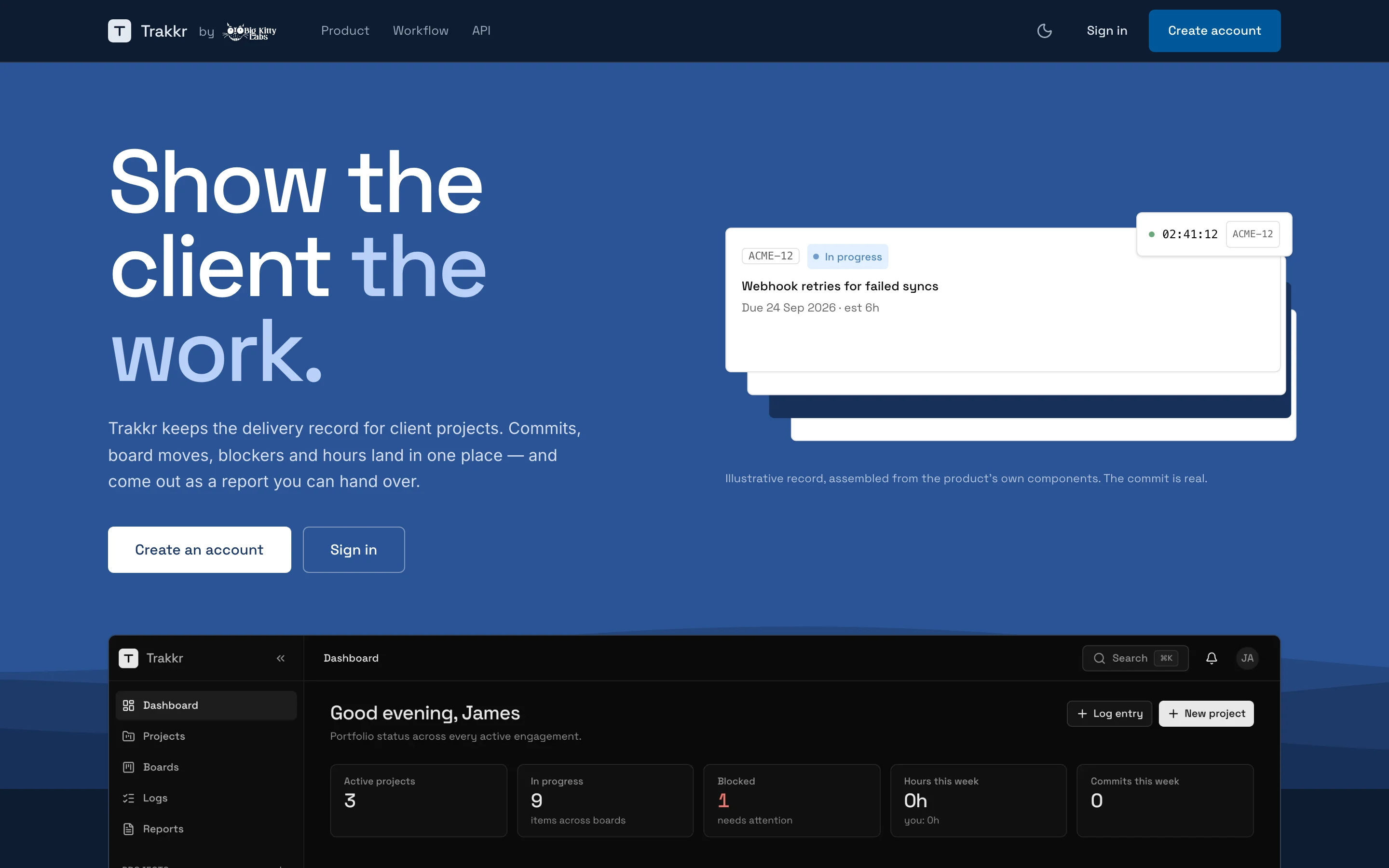
Show the client the work.
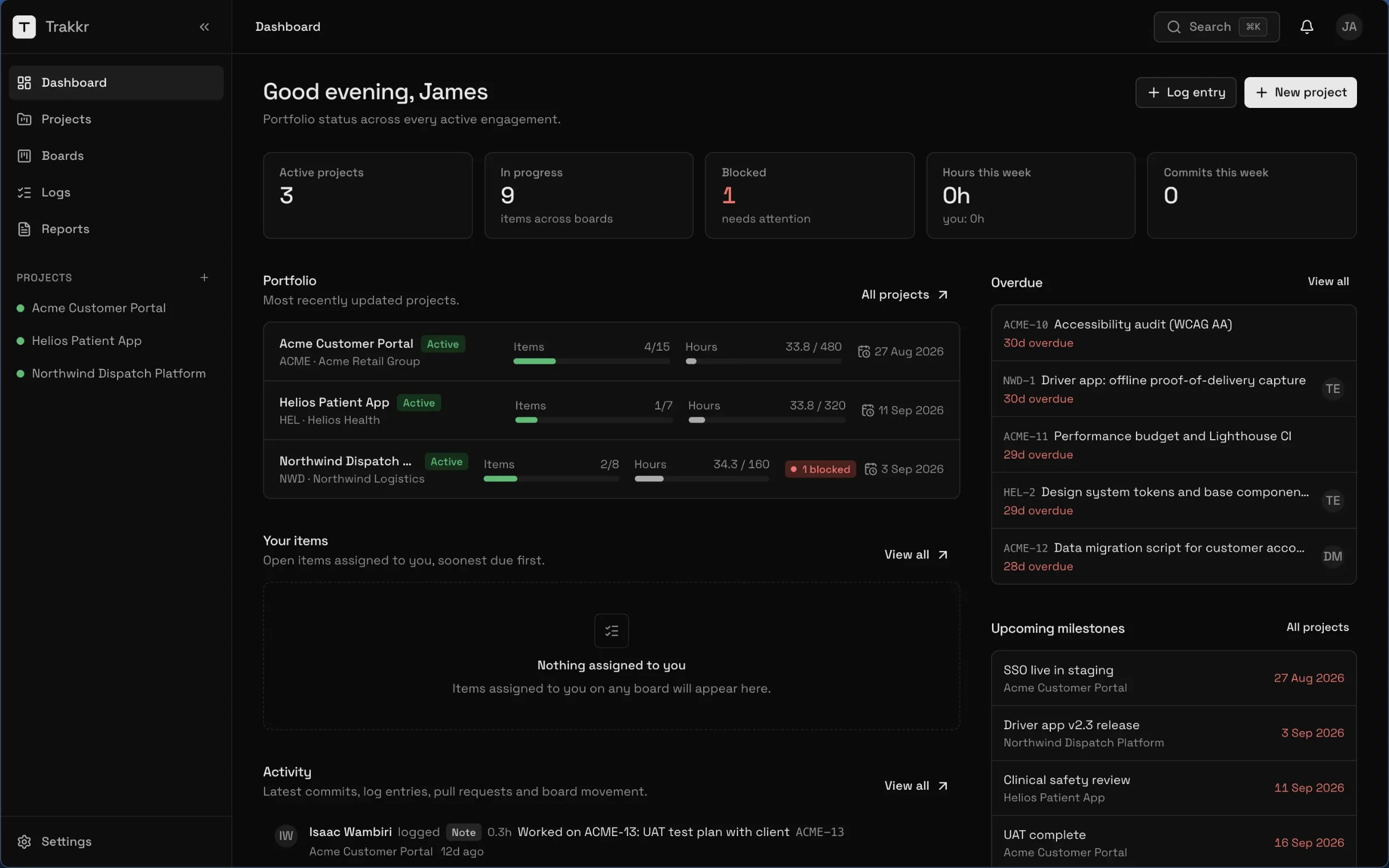
Trakkr keeps the delivery record for client projects. Commits, board moves, blockers and hours land in one place, and come out as a report you can hand over.
Create an account
For agencies and dev teams who answer to clients
- report formats: DOCX, XLSX, PDF, CSV and JSON
- 5
- from a repo to a report you can hand over
- 3 steps
- for commits, board moves, blockers and hours
- 1 place
Without Trakkr
- Rebuilding the week from memory every Friday
- Commits, tickets and hours in three different tools
- A client asking what they are paying for
With Trakkr
- Commits arrive on their own, linked to the work item
- Boards, logs and a timer where the team already works
- A delivery report in the format the client opens
Three steps. That is all.
Connect the repos
Point GitHub or GitLab webhooks at Trakkr. Commits arrive on their own
Work as usual
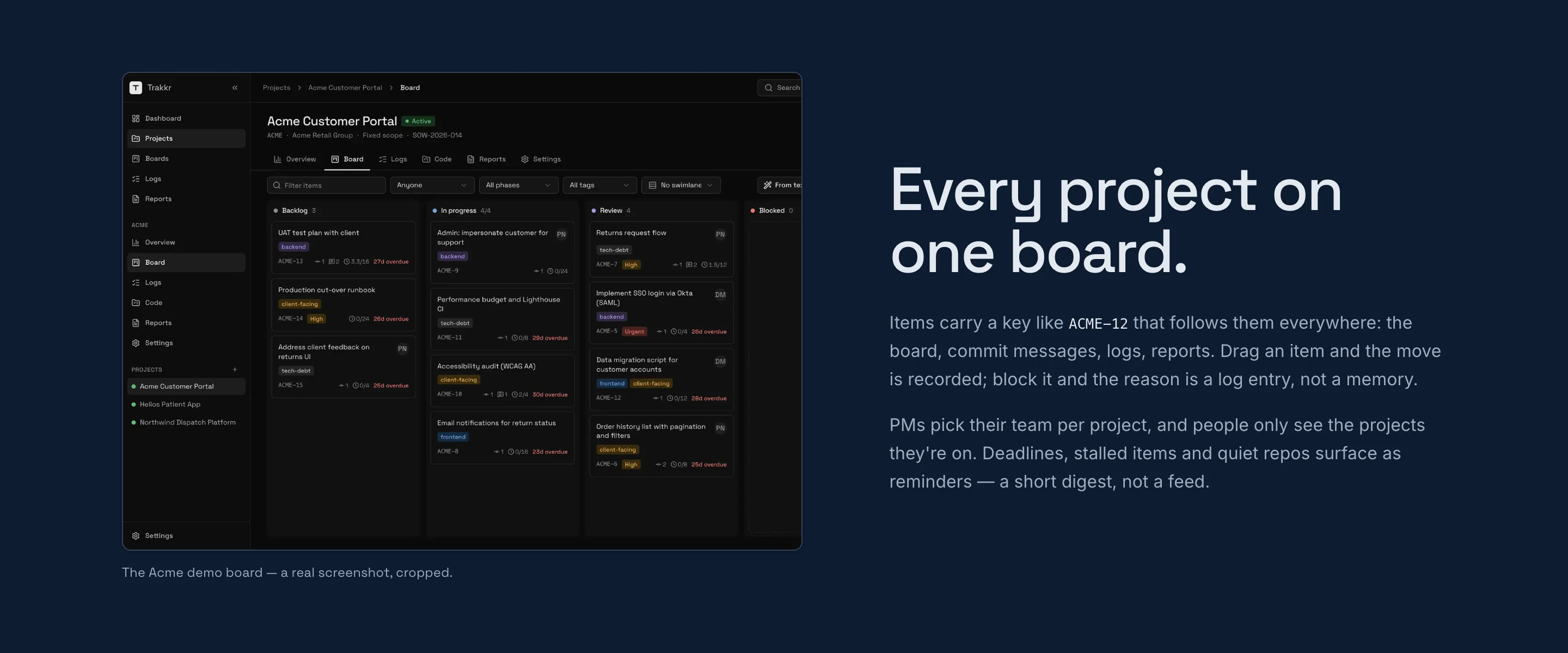
A board per project, logs for calls and blockers, and a floating timer
Hand over the record
Pick a project and a date range. Trakkr writes the delivery report
Create an account to start. Talk to us about pricing.
For agencies and dev teams who answer to clients.
| Works with | GitHub and GitLab webhooks. An API with personal tokens, client credentials and signed webhooks |
|---|---|
| Availability | Open for sign-up at trackkr.io |


Go and meet Trakkr.
It has its own home. If you want it for a team, or want something like it built, talk to us.